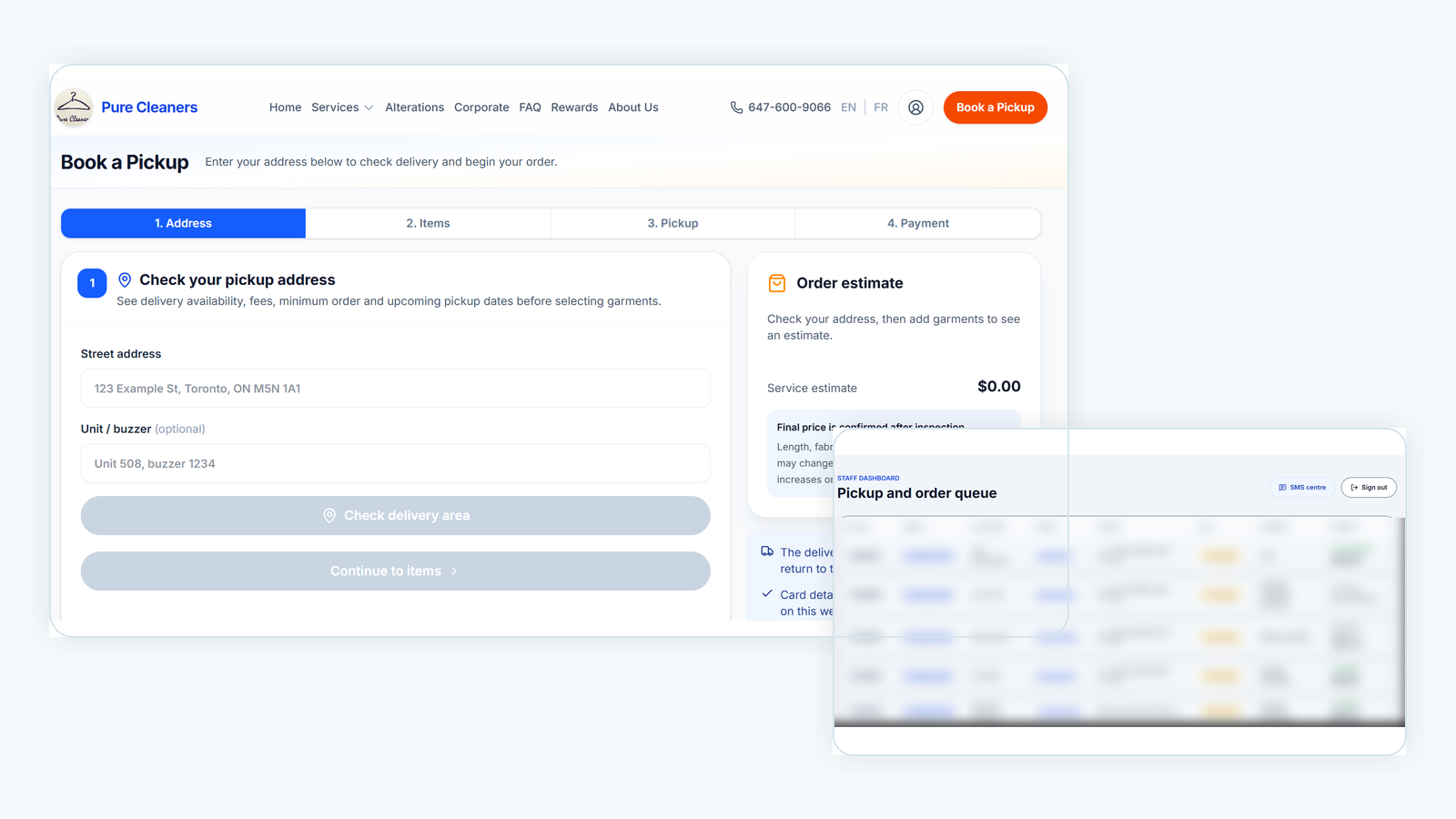
Pure Cleaners
Digital Ordering & Operations System
Online ordering system launched and receiving live customer orders.
Online OrderingPickup & DeliveryStaff Order Workflow
View live site->DIGITAL SYSTEMS FOR OWNER-LED BUSINESSES
Bridge helps owner-led businesses turn manual customer and staff workflows into practical digital systems that support real operations.
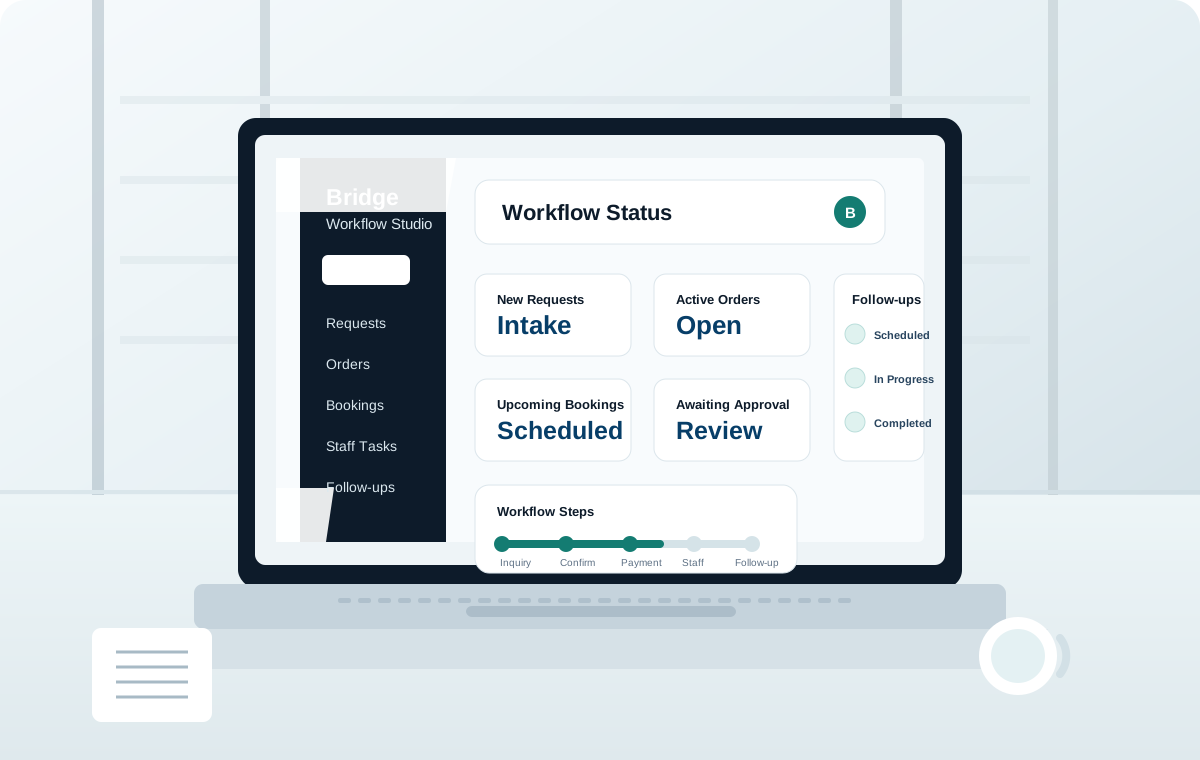
Bridge builds the practical digital path between customer interest and service delivery.
Customer
Inquiry / Booking / Order
Payment / Approval
Staff Workflow
Service Delivery
Follow-up
Every business needs a different combination of steps.
Production projects that show how Bridge supports real service operations.
Pure Cleaners
Online ordering system launched and receiving live customer orders.
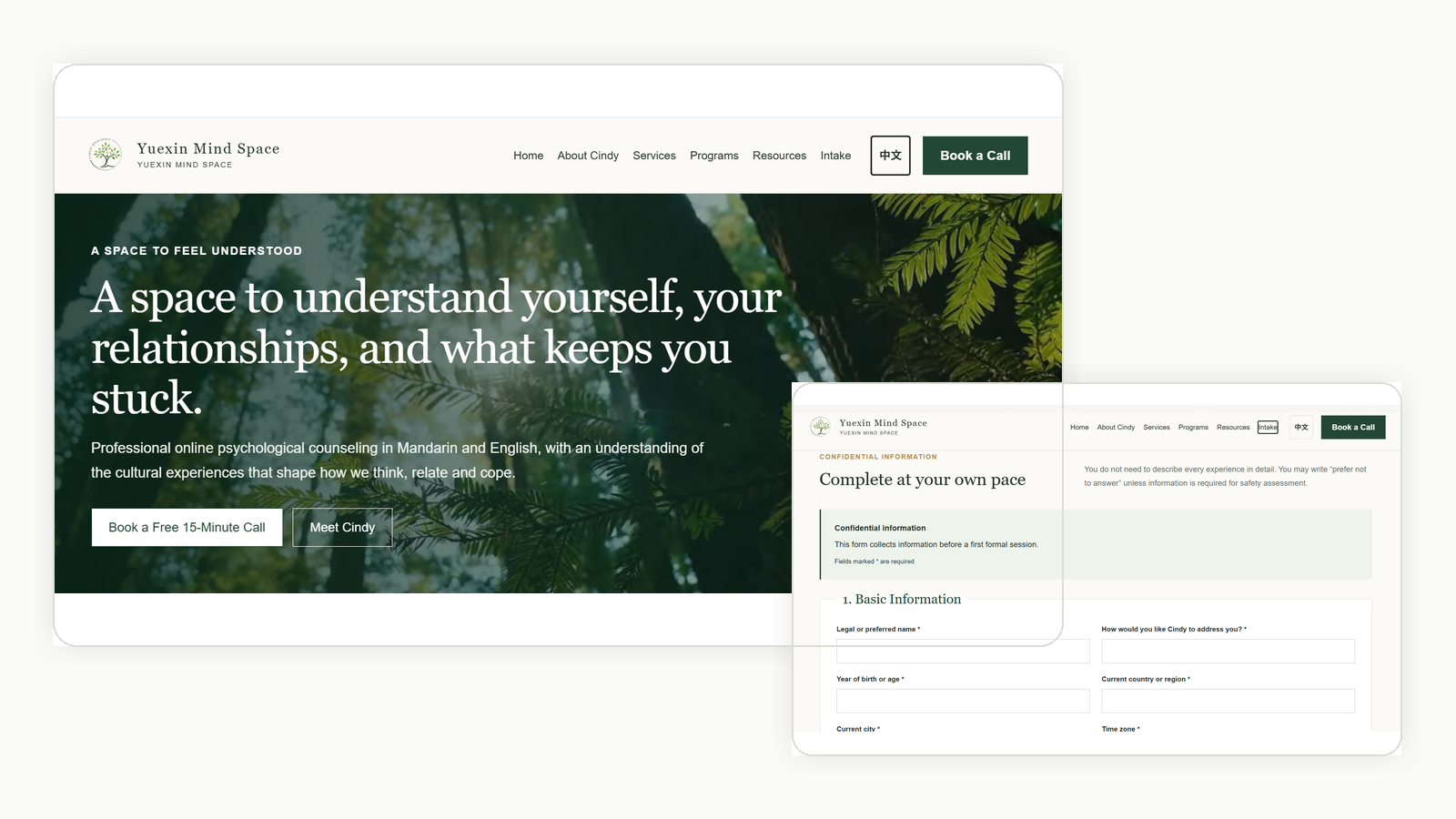
Yuexin Space
Live professional services website connecting inquiry, intake, booking and follow-up.
Practical systems built around how your business actually works.
Customer-facing systems for websites, inquiry, intake, booking, ordering, and next steps.
Internal workflows that help staff see status, handle approvals, send updates, and follow through.
Practical automation and AI-assisted workflows for repetitive tasks and connected systems.
A lightweight path from current operations to a usable system.
01
Map the real customer and staff workflow.
02
Choose the simplest system that can work.
03
Create the site, workflow, forms, payments, or automations.
04
Put the system into real customer and staff use.
05
Adjust based on what happens in daily operations.
Book a Workflow Assessment
Start with a practical look at your customer journey, staff workflow, and the system your business needs next.